
如何在線下載 Spotify 歌曲、播放清單和專輯
立即下載Spotify歌曲,離線收聽
步驟 1
複製連結
步驟 1:在 Spotify 上開啟播放清單或專輯,複製要儲存為 Mp3 檔案的歌曲的 URL。
步驟 2
貼上網址
步驟 2:造訪 SpotifyMate,然後將歌曲的 URL 貼到下載欄位中,並選擇 MP3 作為輸出格式。
步驟 3
下載歌曲
步驟 3:點選右側的「下載」按鈕,等待 Spotify 下載器完成轉換。
強大的 Spotify 播放清單下載器
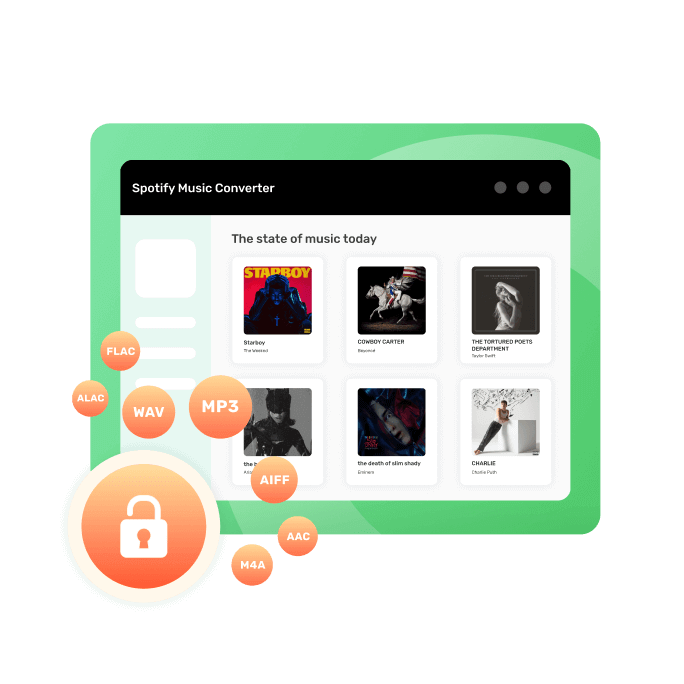
Spotify Playlist Downloader 是一款免費的線上 Spotify 下載器,可幫助用戶快速輕鬆地下載 Spotify 播放列表,以便離線收聽。它支援多種音訊格式,包括 MP3、M4A、WAV 和 FLAC,用戶可以在手機、平板電腦、電腦和 MP3 播放器上靈活播放。該工具介面簡潔,只需貼上 Spotify 播放清單鏈接,點擊幾下即可下載歌曲。它還能保留歌曲標題、藝術家、專輯名稱和封面等重要元數據,讓您的音樂庫井然有序。由於它直接在瀏覽器中運行,無需安裝任何軟體,因此可在包括 Windows、macOS、Android 和 iOS 在內的所有平台上使用。
Spotify Playlist Downloader 快速、易用且無需安裝,提供了一種流暢的方式來保存播放清單、解除播放限制,並隨時離線欣賞音樂。
簡易下載方法
只需打開 Spotify 應用程式或網站,選擇要儲存為 MP3 檔案的歌曲,複製鏈接,訪問 SpotifyMate 網站,貼上鏈接,然後點擊下載按鈕即可。
PWA技術應用
SpotifyMate 利用 PWA 技術,幫助您以最高效、最省時的方式體驗 SpotifyMate。它支援 Android 和 iOS 作業系統。
跨平台支援
支援所有瀏覽器和個人設備,包括手機、電腦和平板電腦,讓您隨時隨地下載您喜愛的 Spotify 歌曲。
無需安裝應用程式
您無需安裝任何應用程式或擴充功能。只需將 Spotify 曲目、播放清單或專輯連結貼到 SpotifyMate Spotify 音樂下載器網站的輸入框中,即可下載 MP3 檔案格式。
快速且始終免費
SpotifyMate 提供了一種簡單且有效率的方式,讓您可以 100% 免費下載您喜愛的 Spotify 歌曲。無需複雜步驟,只需點擊幾下即可下載您喜歡的音樂。
穩定且易於使用
SpotifyMate 提供穩定且用戶友好的平台,並持續更新以帶來最佳體驗。無需下載任何擴充程序,即可體驗我們的 PWA 功能,享受更佳體驗。
常問問題
更多工具
Apple Music 下載器
一鍵即可從 Apple Music 下載音樂。
Deezer音樂下載器
一鍵儲存 Deezer 上的音樂、播放清單和專輯。